
 Denmark
 Austria
 Germany
 United Kingdom
 Ireland
 Spain
Spain
 Finland
 France
 Italy
Italy
 Belgium
 Netherlands
 Norway
 Portugal
 Sweden

SELL MEMBERSHIPS. BUILD LASTING RELATIONSHIPS.
CREATE MORE REASONS TO COME BACK
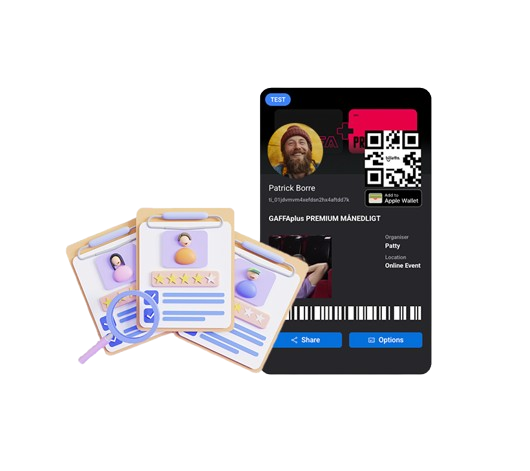
A membership gives buyers access to benefits for a set period of time. You decide what is included, such as free entry, discounted tickets or access to members-only tickets.
Members get a reason to keep coming back, and you get recurring or upfront revenue alongside your ticket sales, managed from the same Billetto account as your events.
For example, you could offer:
- An annual pass with entry to your museum.
- A club membership with discounted concert tickets.
- A season pass covering a selection of events.
Choose how members pay
Yearly subscription
Monthly subscription
One-time membership
Choose how members access their benefits
There are three ways to give members event access or special prices. Choose the one that fits how you want members to book.
Best for: memberships and passes that include free entry, without members booking a separate ticket.
Connect the included events to your membership. Members receive access automatically and use their membership QR code for entry to each connected event, with no separate booking needed. A museum can connect its entrance events to an annual pass, and a festival can create a three-day pass connected to each festival day.
Please note: connected events must have no existing sales when you connect them. Seated memberships can only be connected to seated events, and unseated memberships to unseated events.
Best for: free or discounted tickets that members actively book, while every visitor sees the benefits of joining.
Create a ticket type that only eligible members can book, either free or at a special member price. A place is only taken from the event’s capacity when a member books, so you don’t have to set aside a place for every member.
Members unlock the ticket by logging in to their Billetto account or entering their membership barcode in the “Discount or promotion code” field, then complete their booking, even if the ticket is free. Everyone else can see the ticket and its price, but it stays locked, which shows potential members what they could get by joining.
Best for: member discounts without showing a separate members-only ticket to all visitors.
Create an Audience based on your membership buyers, then set up a Campaign linked to that Audience for the events you choose. Offer a percentage discount, a fixed amount off or free entry with a 100% discount.
Members book the event’s existing ticket types and receive their discount. No separate, locked members-only ticket is shown to other visitors.
Grow your membership and keep track of your members
Help people discover your membership
Show visitors what they could get by becoming a member. On your event page and ticket buying page, you can display a membership promotion with a “Become a member” button. You choose which membership to promote and can turn the promotion on or off for each event.
Existing members can see events with membership benefits in their Billetto Wallet, with labels such as “Free for members” or “25% member discount”.
To reach members directly, use Audiences to send your membership buyers updates and offers.
Manage your memberships in Billetto
From your organiser account, you can:
- View your members and export your member list.
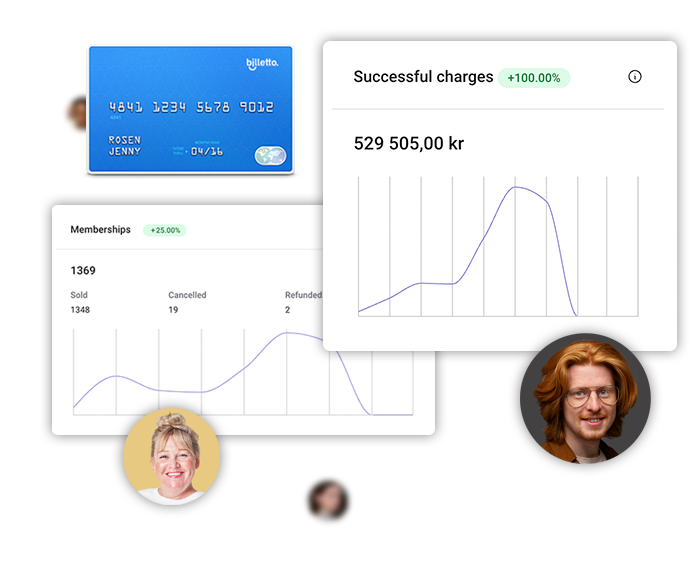
- Track membership sales, successful payments and expected upcoming payments.
- Cancel or pause a subscription on a member’s behalf.
- Sell memberships in person through Billetto POS.
- Create memberships manually and generate the tickets.
Yearly and monthly memberships sold through POS or created manually have an expiry date. They don’t charge the member automatically for renewal, because no payment card is saved for future payments.
Ongoing or fixed-date memberships
Minimum contract or notice period
Plans, prices and a page that fits your brand
Frequently asked questions about memberships
You can sell yearly subscriptions, monthly subscriptions and one-time memberships. Subscriptions renew automatically. A one-time membership is paid once and doesn’t renew: give it fixed start and end dates, or keep it active until you close it.
If yearly subscriptions aren’t available in your account, or you want a yearly or monthly membership that members renew manually, contact Billetto Support and we’ll enable it for you.
For monthly and yearly subscriptions bought online, the member’s saved payment card is charged automatically at each renewal, so they don’t need to buy the membership again. Renewal information is shown during purchase and in the confirmation email, which also links to where members can manage or cancel their subscription.
Card payment is required for memberships bought online. Members pay with Visa or Mastercard, also through Apple Pay or Google Pay. Klarna, MobilePay, PayPal, Swish, Vipps, other payment methods and gift cards can’t be used to buy a membership.
Subscription members receive automatic emails about their purchase, their renewal payments and any failed payment attempts. If a renewal payment fails, the member is asked to update their card details and the payment is retried automatically.
A standard cancellation stops future renewals. The member keeps their benefits until the end of the period they have already paid for.
If someone buys a subscription at a discounted price, that discounted price also applies to their future renewals. To offer a free introductory period before paid renewals begin, use a trial period. A 100% discount code does not create a recurring subscription.
Yes, once the membership is linked to event access. For connected events, members use their membership QR code. If they book a members-only ticket, or an event ticket through a membership Campaign, you scan the event ticket they receive. Read more about check-in with Billetto.
Connected memberships add to an event’s available capacity. Check both your event capacity and the capacity of all connected memberships, so you never offer more places than your venue can hold.
Yes. Use Audiences to reach your membership buyers with updates and offers.
Membership revenue is paid out on its own monthly schedule, separate from the usual event payout schedule. You can track membership payments and forecasts under Manage → Finance → Membership. Read more about finance in Billetto.
No. You can’t switch an existing membership between one-time and subscription, or change its billing interval, after it is created. Choose the type and billing interval carefully when you set it up.